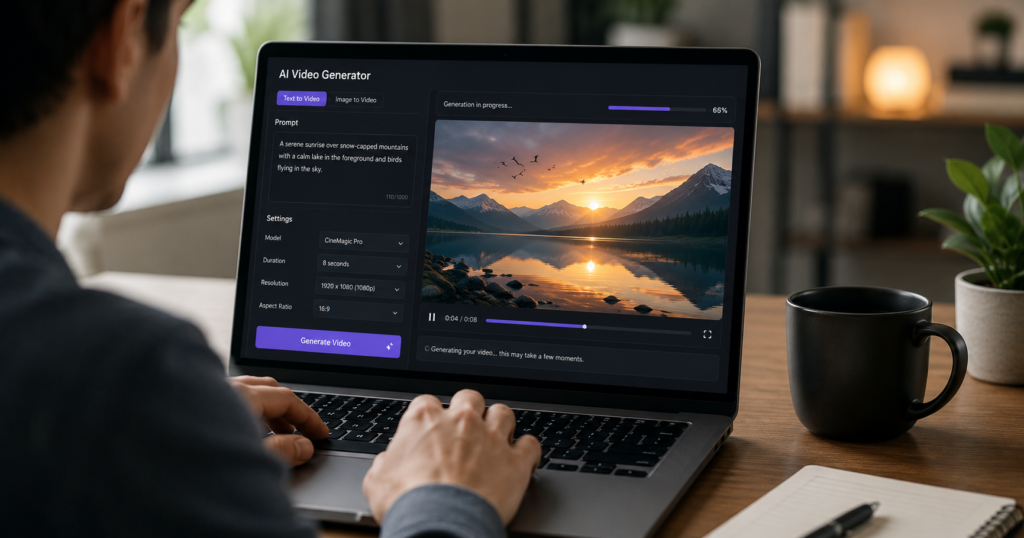
Not long ago, making a decent video meant cameras, crews, and a real budget. Today a short prompt or script can produce a usable clip in minutes, which is why so many creators and marketers are testing this software.
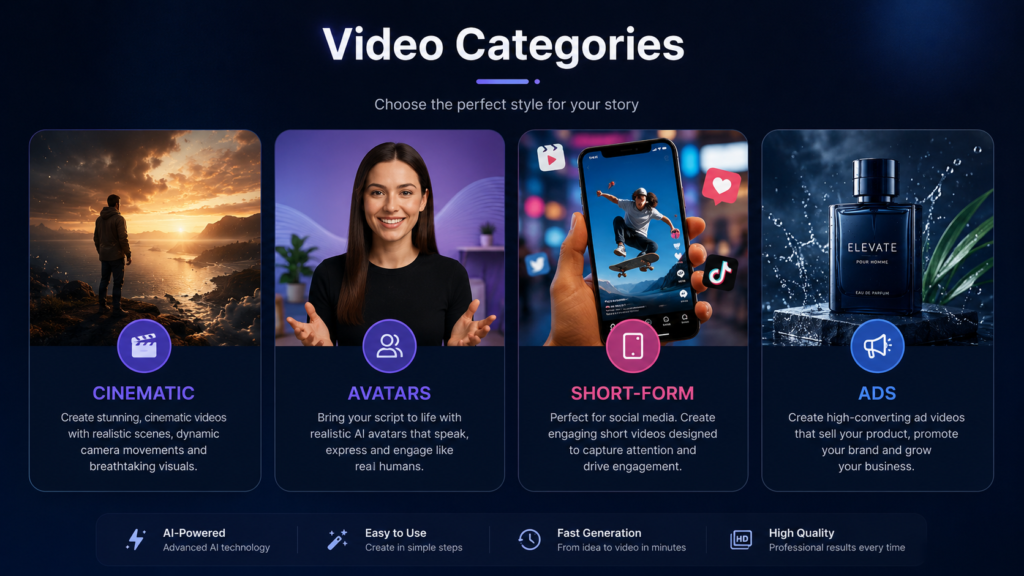
The catch is that the best AI video tools are not all built for the same job. Some create cinematic footage, some produce talking avatars, and others are made for fast social clips. This guide sorts the options by use case so you can choose without wasting time or credits.
What AI Video Tools Can Do Today
Most platforms fall into a few overlapping types, but the common features are easy to summarise:
- Turn text prompts or full scripts into video clips.
- Generate AI avatars or presenters that speak your script.
- Add voiceovers, captions, and background music automatically.
- Format and resize videos for Reels, Shorts, and TikTok.
- Trim, restyle, and edit existing footage.
Quality still varies by tool. Most work best for short clips and need a human review before publishing.
How to Choose the Right AI Video Tool
Before picking a platform, match it to what you actually plan to make:
- Output type — realistic footage, avatar videos, or edited social clips.
- Clip length and resolution your project needs.
- Support for native audio, captions, and lip-sync.
- Ready-made presets for vertical and short-form formats.
- Commercial rights — check the licence before using clips in paid ads.
Best AI Video Tools by Use Case
Rather than one ranking, here is what tends to work best for each type of project.
Cinematic and Realistic Clips
For polished, realistic footage, model-driven generators lead the way. Google Veo is widely praised for realistic motion and built-in audio, Runway is known for camera control and editing tools, and Kling stands out for physics and smooth movement.
- Best for: hero shots, concept videos, and B-roll.
- Trade-off: clips are usually short and may need stitching.
AI Avatars and Explainers
When you need a presenter without filming one, avatar tools fit well. HeyGen and Synthesia can turn a script into a narrated video with a digital presenter, and both support many languages.
- Best for: product demos, training, and multilingual explainers.
- Trade-off: long scripts can sometimes feel a little stiff.
AI Video Tool for Shorts
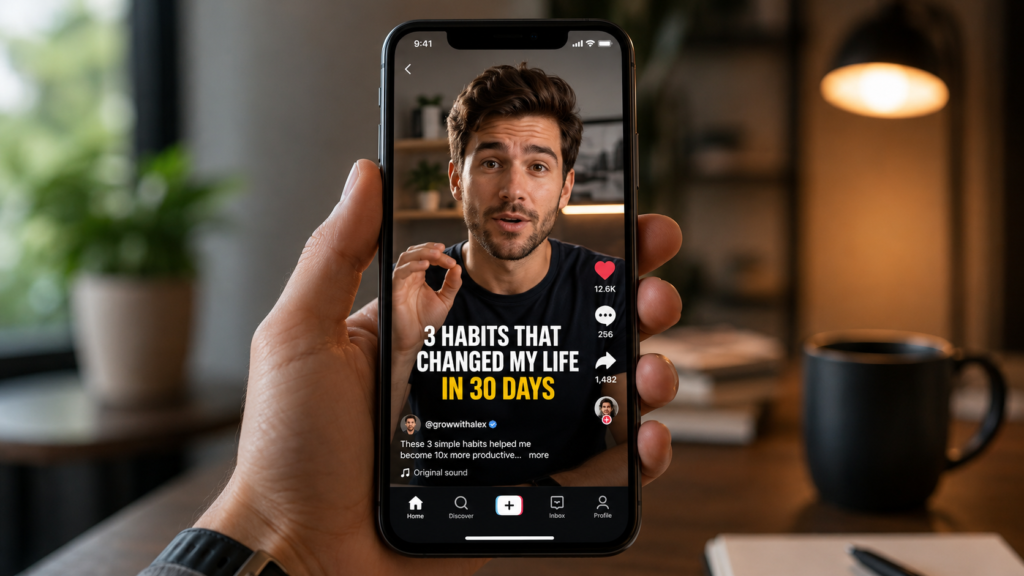
For fast vertical content, an AI video tool for shorts should handle formatting and captions for you. InVideo AI turns a prompt into a finished clip with stock footage, captions, and voiceover, while CapCut pairs generation with a full editor.
- Best for: Reels, YouTube Shorts, and TikTok.
- Why it helps: quick output when you need several clips fast.
If you are building a wider posting plan, our guide to short-form content strategy explains how to turn these clips into a consistent schedule.
AI Video Tool for Meta Ads
For paid social, an AI video tool for Meta ads works best when it produces short, hook-led vertical videos you can test at volume. The usual approach is to generate or edit several variations, add captions, and let the data decide the winner.
- Keep the first three seconds strong to stop the scroll.
- Design for sound-off viewing with clear on-screen text.
- Make several versions to test hooks, not just one polished cut.
Tips for Better AI Videos
The tool is only part of the result. To get cleaner output:
- Write specific prompts covering scene, motion, and mood.
- Keep clips short and stitch them for longer sequences.
- Add captions, since many viewers watch on mute.
- Test several versions, especially for ad creatives.
Final Thoughts
There is no single winner here. The best AI video tools are the ones that fit your goal — cinematic generators for hero shots, avatar platforms for explainers, and fast social tools for shorts and Meta ads. Start with a free plan, keep a human eye on quality, and pick the tool that saves the most time for the videos you actually make.
(H2) Frequently Asked Questions
What is the best AI video tool for beginners?
Tools like CapCut and InVideo AI are among the easiest to start with. They handle formatting, captions, and voiceover automatically, so you can make a usable clip without editing experience.
Which AI video tool is best for short-form content?
For Reels, Shorts, and TikTok, InVideo AI and CapCut are strong picks. They offer vertical presets and fast output, which matters when you need several clips quickly.
Can AI video tools make ads for Facebook and Instagram?
Yes. Many tools can produce short vertical videos suited to Meta ads. The key is to create several variations, add clear captions, and test which hook performs best.
Are free AI video tools good enough?
Often, yes. Free plans are fine for testing and short clips, though they may add watermarks or limit length. Paid plans mainly remove those limits and unlock higher quality.